Automating workflows with event-driven integrations
Webhooks, queues, and API orchestration — a guide to connecting the tools your business already runs on.
Key takeaways
- 01
Event-driven automation removes manual copy-paste between CRM, billing, and support tools.
- 02
Idempotent workers behind queues make retries safe and failures recoverable.
- 03
Start with one painful manual process — ROI is immediate when ops teams stop switching tabs.
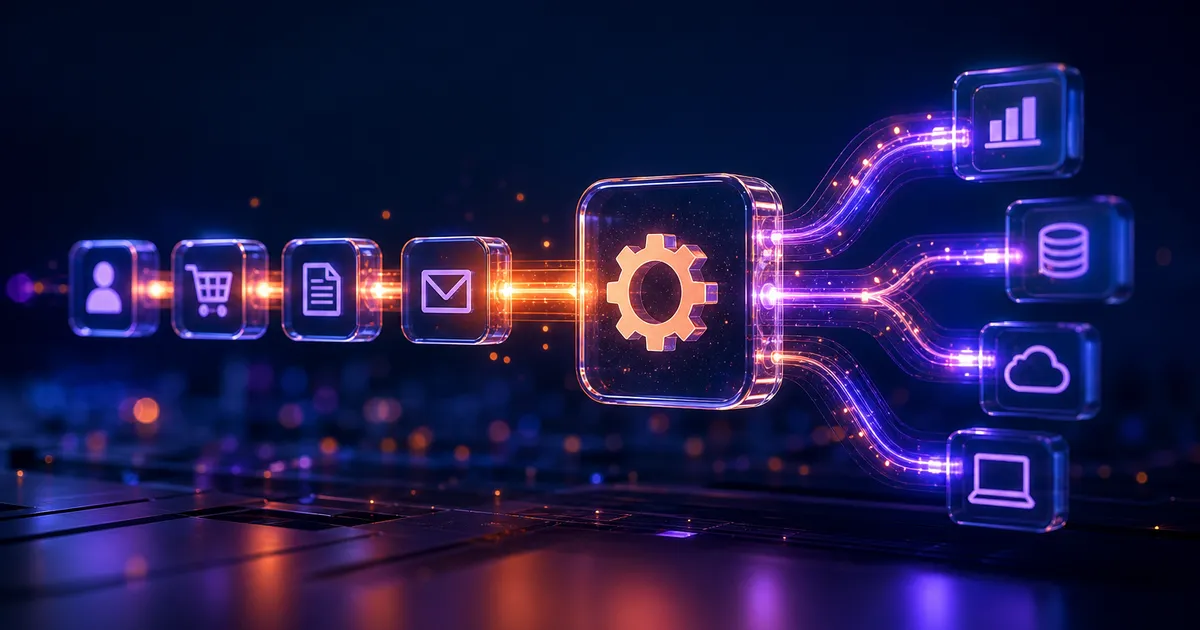
Manual handoffs between CRM, billing, support, and internal tools slow teams down. Event-driven automation connects those systems so data flows when something happens — a new lead, a paid invoice, a support ticket.
Patterns we rely on
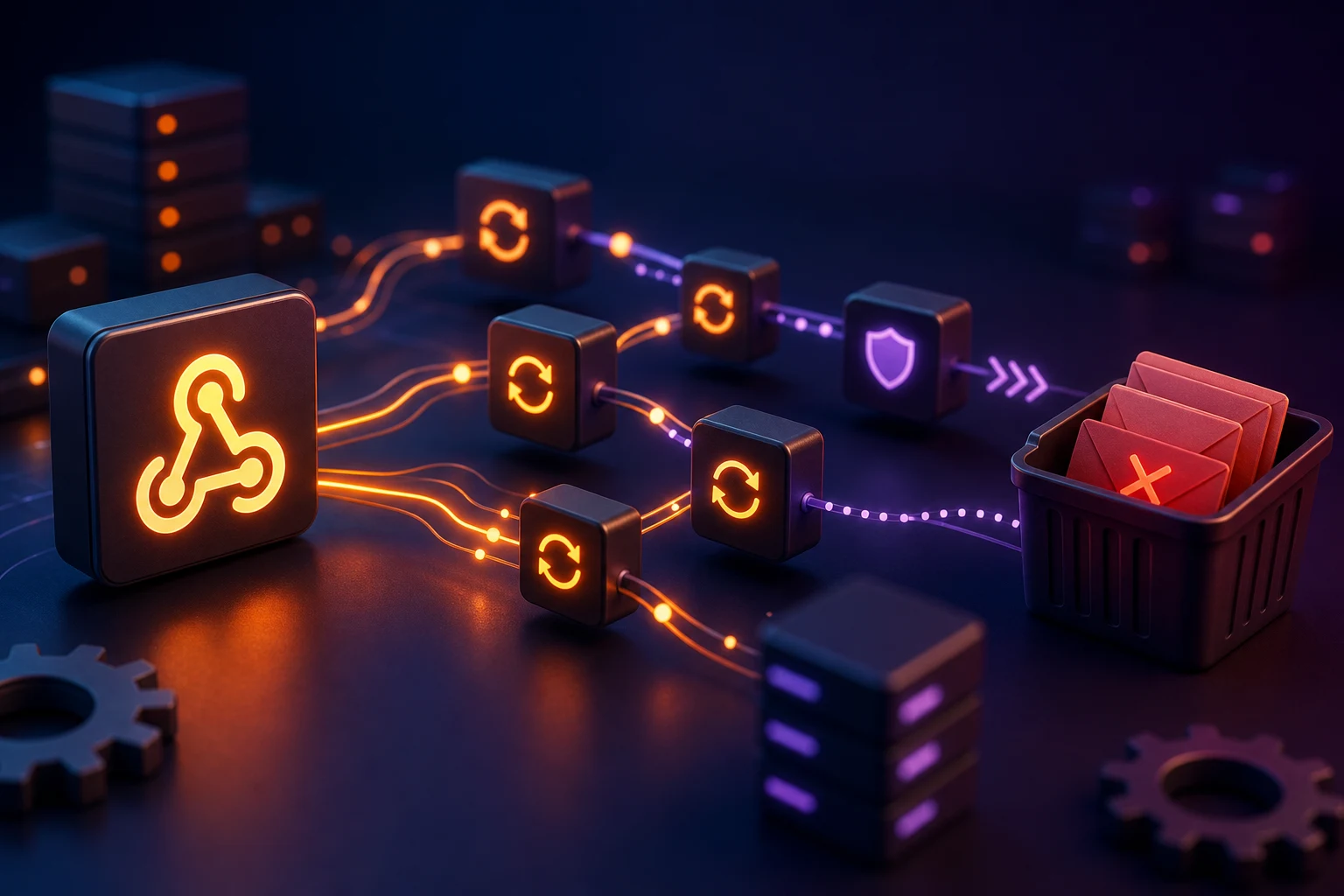
We favor idempotent workers behind queues (SQS, RabbitMQ, or Bull) so retries are safe. Webhooks get signature verification and replay protection.
- Queue-backed workers with idempotent handlers
- Webhook signature verification and replay protection
- Dead-letter queues for failed jobs with alerting
- Orchestration for multi-step flows with human approval gates
Visibility over magic
Orchestration tools like n8n or custom Node services work well for multi-step workflows with human approval steps. The key is visibility: every run should be traceable.
“We went from three hours of daily data entry to zero — and every automated run has a log we can audit.”
Where to start
Start with one painful manual process, automate it end-to-end, then expand. ROI is immediate when ops teams stop copying data between tabs.
About the author
Veloria Engineering
Integration Engineering
We connect CRMs, billing systems, support tools, and internal apps with event-driven pipelines so data moves automatically when something happens in your business.

Work with us
Want to discuss this topic or build something similar?
Veloria Tech ships production-grade mobile, web, and AI products — from architecture through launch and beyond.